Nippon Labs
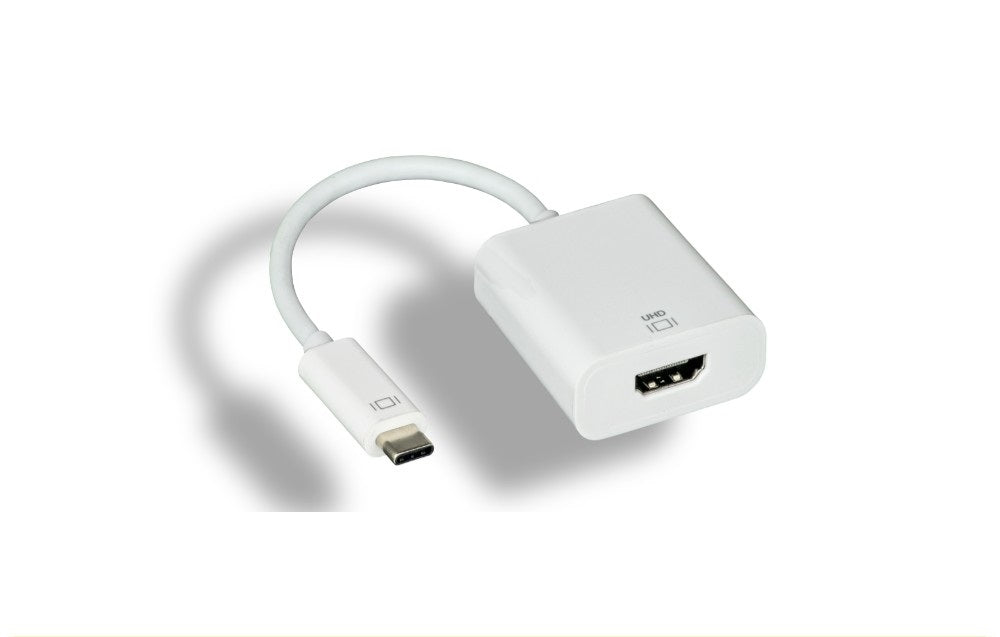
Nippon Labs USB-C to HDMI Adapter, White 4K@60Hz, Type-C Male to HDMI Female
Nippon Labs USB-C to HDMI Adapter, White 4K@60Hz, Type-C Male to HDMI Female
Couldn't load pickup availability
This adapter connects the USB-C port on your laptop, tablet or phone to an HDMI monitor, television or projector at up to 4K at 60Hz. The 18Gbps bandwidth is what allows full 4K resolution at the higher refresh rate rather than making you choose between them. Buy this version if you watch video, scroll, or move a mouse on the external screen and want it to feel smooth.
Specifications
- Input: USB-C male
- Output: HDMI female, up to 4K at 60Hz
- Bandwidth: 18Gbps
- Content protection: HDCP 2.2
- Power: bus powered, no external power needed
- Requires DP Alt Mode: yes
- Color: white
Good for
- Using a 4K television or monitor as a daily working screen where the cursor needs to track smoothly
- Watching films and streaming video from a USB-C laptop on a large 4K screen
- Photo and video work where both full resolution and smooth playback are needed
FAQ
Will this work with my laptop or phone? The USB-C port on your device has to support DP Alt Mode, sometimes listed as video out or Thunderbolt. Most USB-C laptops and many tablets and phones do, but some budget laptops and older Android phones have data only USB-C ports, and video will not work on those. If your port carries Thunderbolt 3 or Thunderbolt 4, it is supported.
Is a cable included? No. This is an adapter with a socket on the output side, so you use your own cable from the adapter to the display.
Is this the 4K 30Hz or the 4K 60Hz adapter? This is the 4K 60Hz version. It keeps motion and mouse movement smooth where a 4K 30Hz adapter does not, which is the reason to pick this one for video and everyday desktop use.
Will protected content play through it? Yes. It supports HDCP 2.2, so protected video plays on the connected display.
Specifications
| Connectors | USB-C to HDMI |
| Color | White |
Guides & resources
Why USB-C cables behave differently
USB-C to HDMI vs USB-C to DisplayPort
Share