Nippon Labs
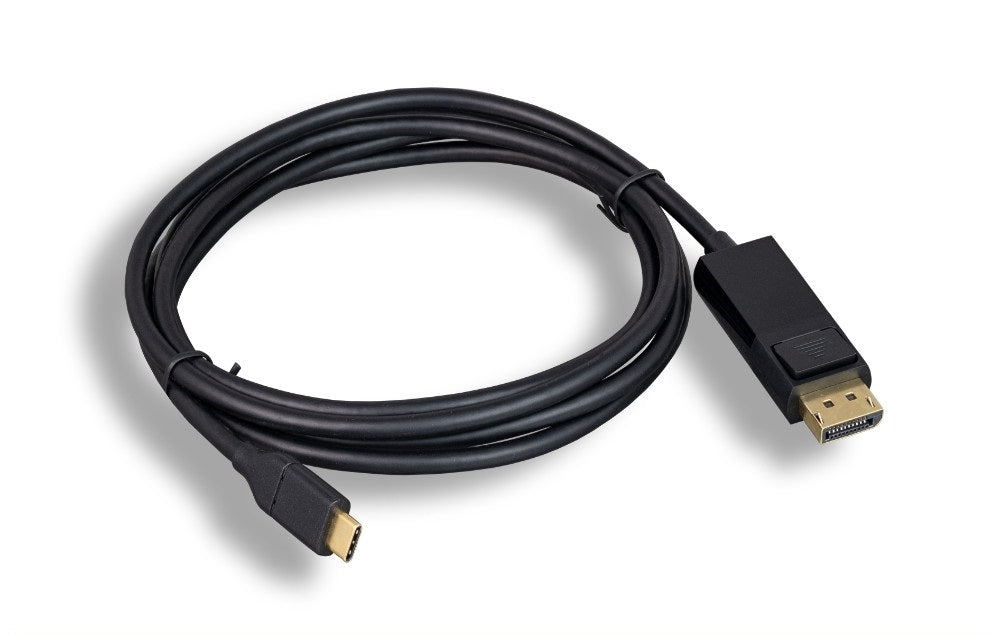
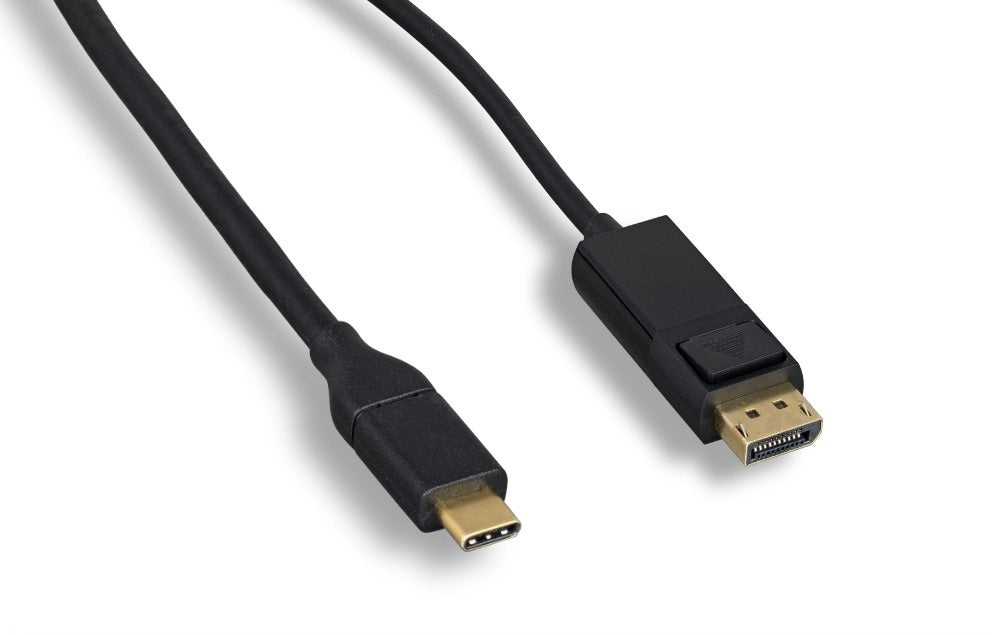
Nippon Labs USB-C to DisplayPort Cable, Black 4K@60Hz, USB 3.1 Type-C M/M
Nippon Labs USB-C to DisplayPort Cable, Black 4K@60Hz, USB 3.1 Type-C M/M
Couldn't load pickup availability
This cable takes video out of the USB-C port on your laptop or tablet and into the DisplayPort input on a monitor. It carries 4K at 60Hz with HDCP support, so protected streaming content plays as well as your desktop. One cable, nothing to configure, no adapter in the middle.
Specifications
- Connectors: USB-C male to DisplayPort male
- Video: up to 4K at 60Hz with HDCP
- Color: black
- Lengths: 3 ft, 6 ft, 10 ft
- Requires: DP Alt Mode on the USB-C port
- Power: bus powered
Good for
- Driving a 4K desktop monitor from a USB-C laptop at a home office desk
- Adding a second screen to a docked laptop where the monitor has a spare DisplayPort input
- Connecting a tablet to a studio or editing monitor for a larger working view
FAQ
Will this work with my laptop or phone? The USB-C port on your device has to support DP Alt Mode, sometimes listed as video out or Thunderbolt. Most USB-C laptops and many tablets and phones do, but some budget laptops and older Android phones have data only USB-C ports, and video will not work on those. If your port carries Thunderbolt 3 or Thunderbolt 4, it is supported.
Should I use DisplayPort or HDMI? DisplayPort is the usual choice for computer monitors, and on PC hardware it generally handles high refresh rates better than HDMI does. If your monitor has a DisplayPort input free, this is the connection to use.
Does HDCP matter to me? It does if you watch protected streaming video on the connected display. HDCP support here means that content is passed through rather than blocked with a blank screen.
Specifications
| Connectors | USB-C to DisplayPort |
| Color | Black |
Guides & resources
Why USB-C cables behave differently
USB-C to HDMI vs USB-C to DisplayPort
Share