Nippon Labs
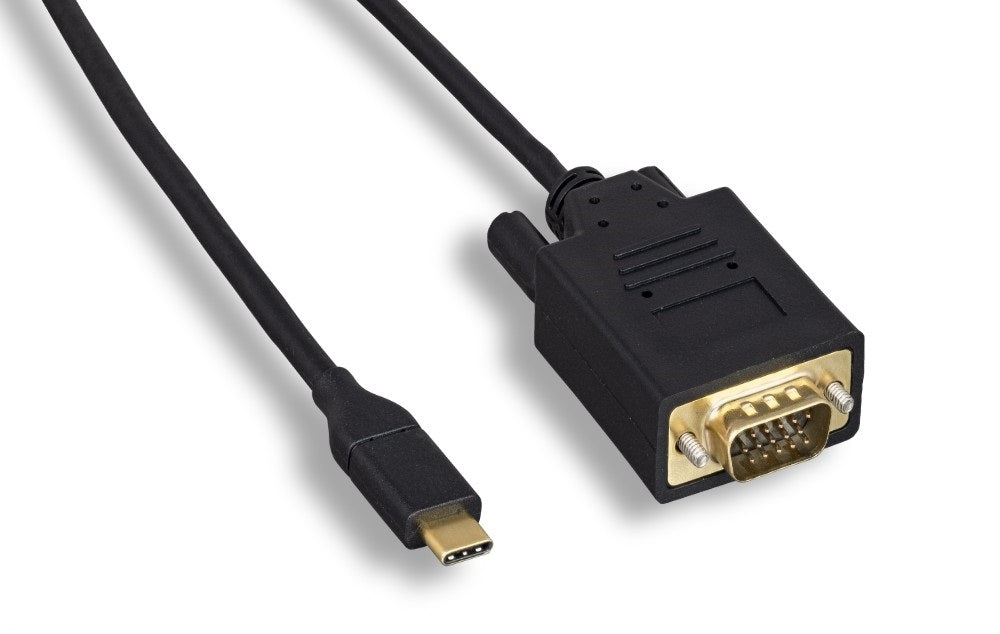
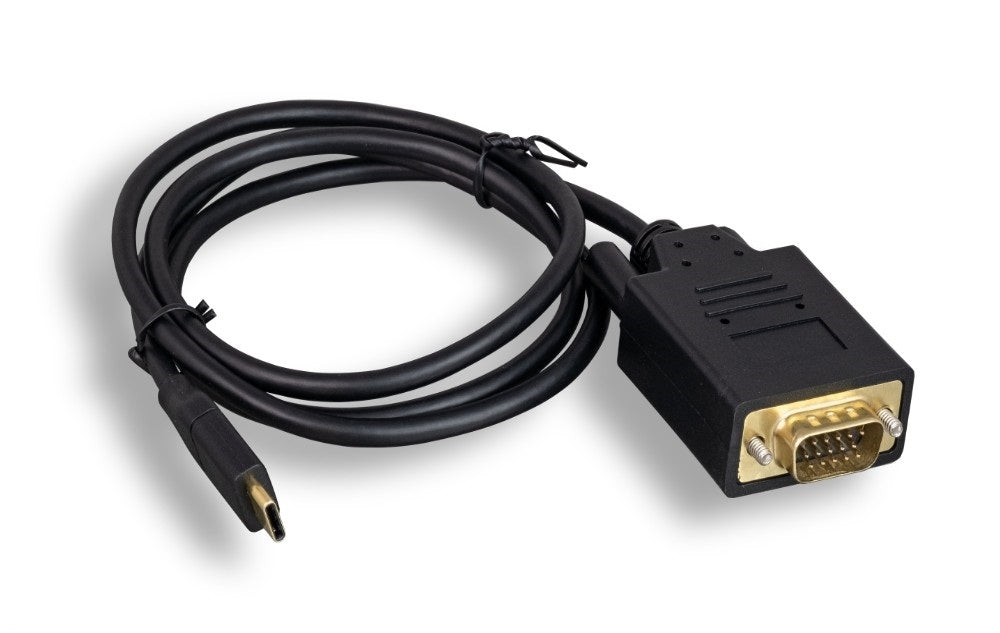
Nippon Labs USB-C to VGA Cable, Black 1080p, USB 3.1 Type-C M/M
Nippon Labs USB-C to VGA Cable, Black 1080p, USB 3.1 Type-C M/M
Couldn't load pickup availability
This cable connects the USB-C port on a modern laptop or tablet to a VGA display, the older 15 pin socket found on classroom projectors and legacy monitors. It outputs up to 1920 x 1200 at 60Hz. It is the bridge for hardware that has no HDMI or DisplayPort input at all.
Specifications
- Connectors: USB-C male to VGA male
- Video: up to 1920 x 1200 at 60Hz
- Color: black
- Lengths: 3 ft, 6 ft, 10 ft
- Requires: DP Alt Mode on the USB-C port
- Power: bus powered
Good for
- Presenting from a new laptop to a classroom or meeting room projector that only takes VGA
- Keeping an older but working VGA monitor in service as a second screen
- Carrying in a bag as the backup cable for venues whose display equipment is years behind the laptops in the room
FAQ
Will this work with my laptop or phone? The USB-C port on your device has to support DP Alt Mode, sometimes listed as video out or Thunderbolt. Most USB-C laptops and many tablets and phones do, but some budget laptops and older Android phones have data only USB-C ports, and video will not work on those. If your port carries Thunderbolt 3 or Thunderbolt 4, it is supported.
Will sound come through? No. VGA carries video only, with no audio. Plan on the room speakers or a separate audio cable from your headphone output if you need sound.
Why would I buy a VGA cable in the first place? Because the display is older than the laptop. This is the cable for connecting a current machine to a projector or monitor whose only input is a VGA socket, and replacing that projector is rarely your call.
Specifications
| Connectors | USB-C to VGA |
| Color | Black |
Guides & resources
Why USB-C cables behave differently
USB-C to HDMI vs USB-C to DisplayPort
Share