Nippon Labs
Nippon Labs 8K HDMI 2.1 Cable, 48Gbps 8K 60Hz / 4K 120Hz, Dolby Vision, eARC, 3–15 ft
Nippon Labs 8K HDMI 2.1 Cable, 48Gbps 8K 60Hz / 4K 120Hz, Dolby Vision, eARC, 3–15 ft
Couldn't load pickup availability
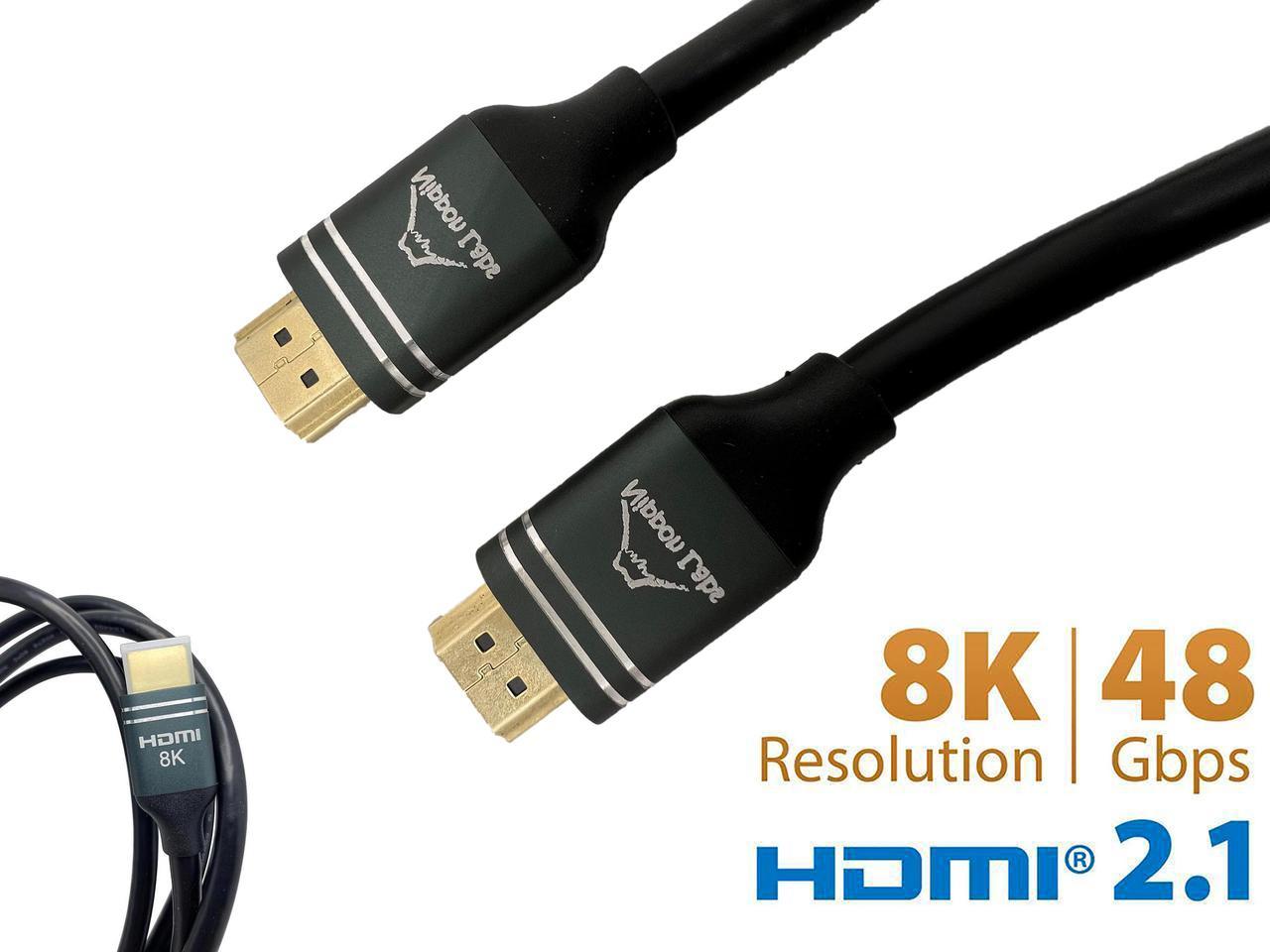
A 48Gbps HDMI 2.1 cable for gear that has outgrown HDMI 2.0. It carries 8K at 60Hz and 4K at 120Hz, passes HDR and Dolby Vision, and supports eARC for audio going back to a soundbar or receiver. If a console or graphics card is set to 120Hz and the picture keeps falling back to 60Hz, the cable is usually what is holding it there.
Specifications
- Standard: HDMI 2.1, 48Gbps
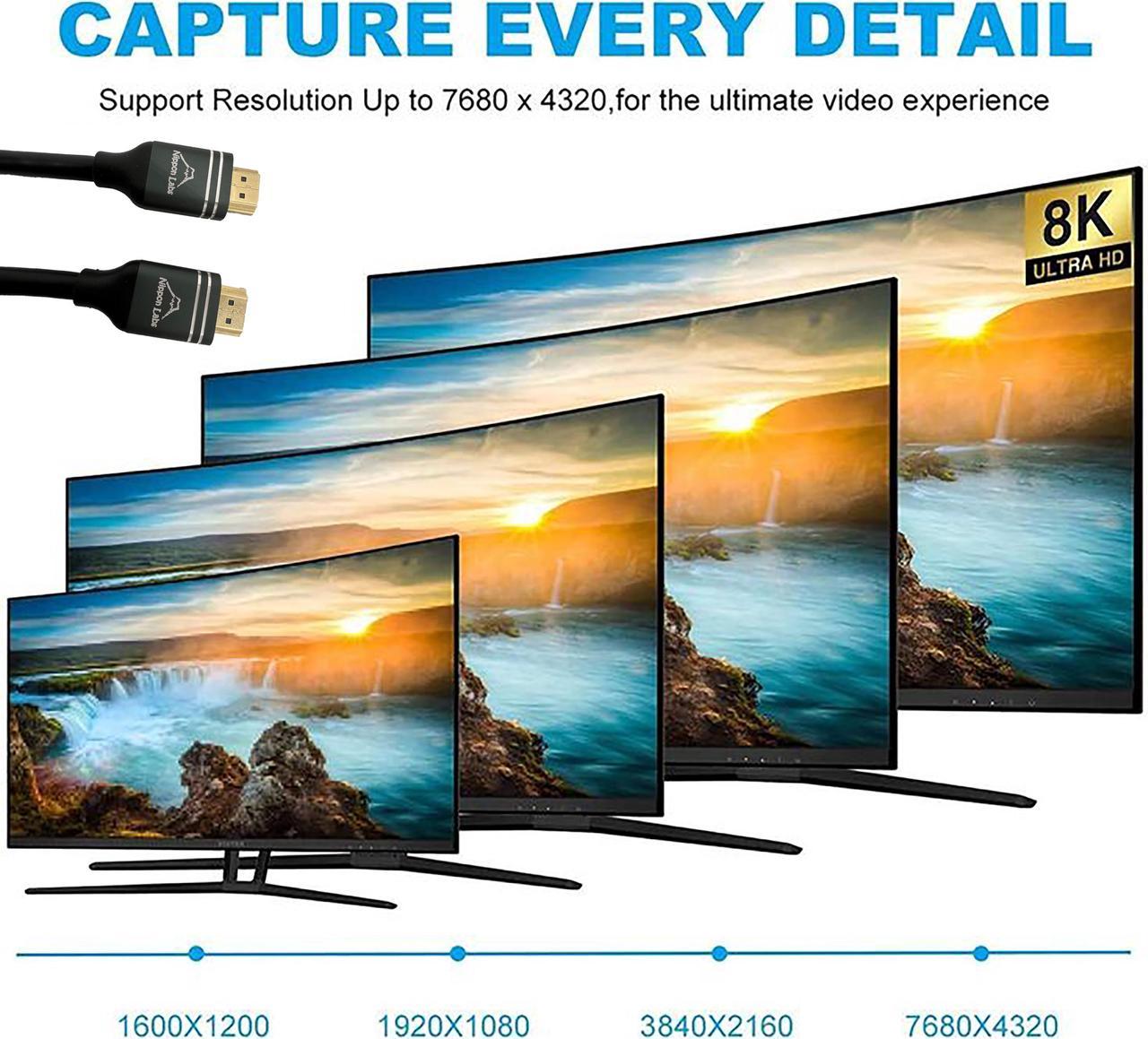
- Video: 8K at 60Hz and 4K at 120Hz
- High dynamic range: HDR and Dolby Vision
- Audio: eARC
- Conductor: passive copper
- Lengths: 3 ft, 6 ft, 10 ft, 15 ft
Good for
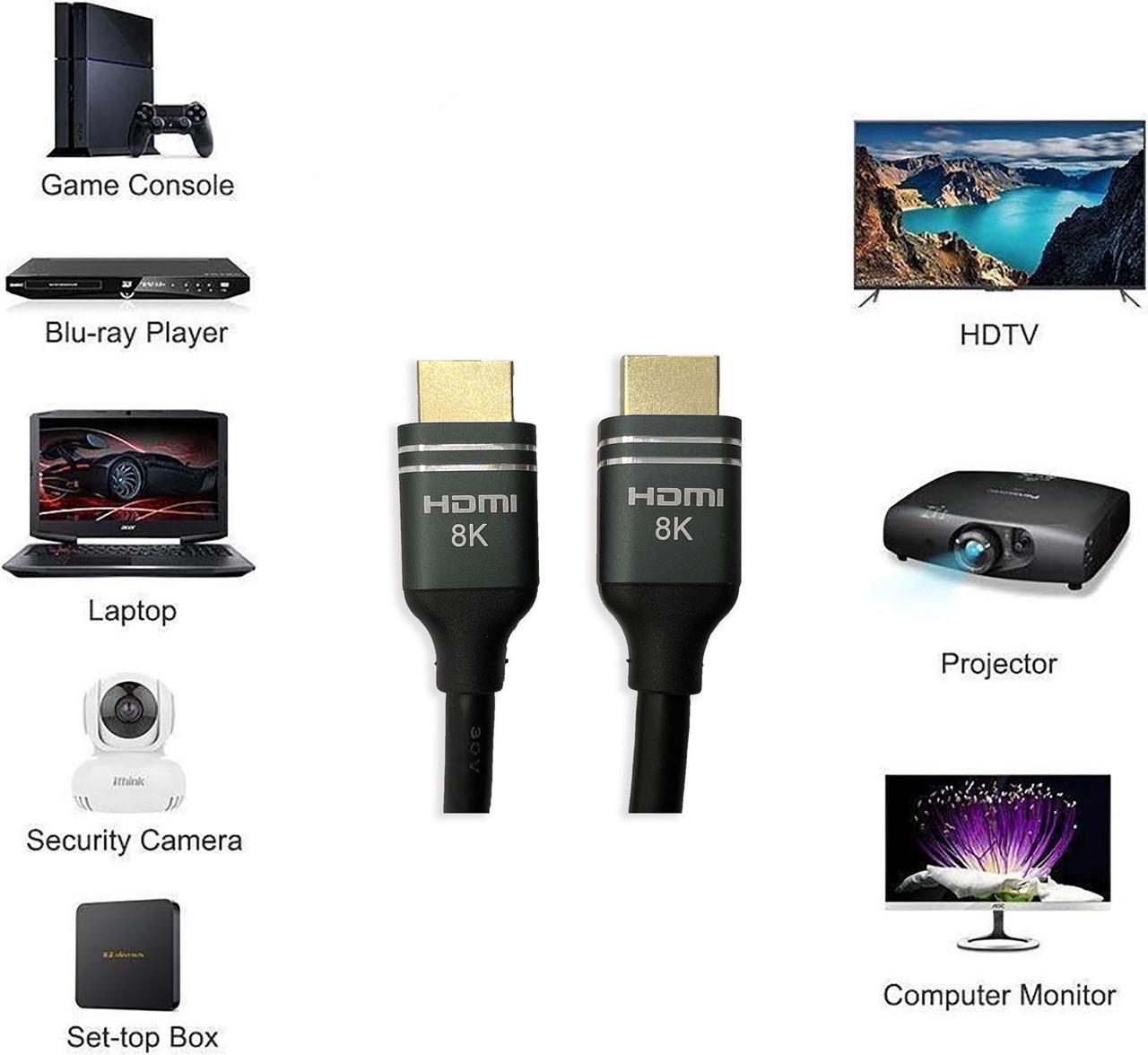
- A PS5 or Xbox Series X into a 120Hz TV for 4K gaming
- A gaming PC driving a high refresh 4K monitor
- An 8K TV fed from an 8K capable source, with audio going back out over eARC
FAQ
Do I really need a 2.1 cable for my console? Yes, if you want 4K at 120Hz. A PS5, Xbox Series X or gaming PC needs a 48Gbps HDMI 2.1 cable to run it, because an HDMI 2.0 cable tops out at 18Gbps and limits 4K to 60Hz. The console will still show a picture on an older cable, just not at the higher refresh rate.
What does eARC do? eARC carries high bitrate audio formats back from the TV to a soundbar or receiver over the same cable, so one cable handles both the picture going to the TV and the audio coming back out of it.
Often bought with
- DisplayPort 1.4 to HDMI 2.1 Cable, 8K@60Hz HDR Gold Plated, M/M: for PC graphics cards with DisplayPort outputs only
- 8K Hybrid Active Optical HDMI 2.1 Cable, CMP Plenum, 48Gbps, 25–150 ft: for long 48Gbps runs past 15 ft
Specifications
| Connectors | HDMI to HDMI |
| Max speed / bandwidth | 48Gbps |
| Wire gauge | 28 AWG |
| Jacket rating | CL3 (in-wall) |
| Color | Black |
Guides & resources
What HDMI Cable Do You Need for PS5 and Xbox Series X?
HDMI ARC vs eARC: Getting Full Audio From Your Soundbar
Share